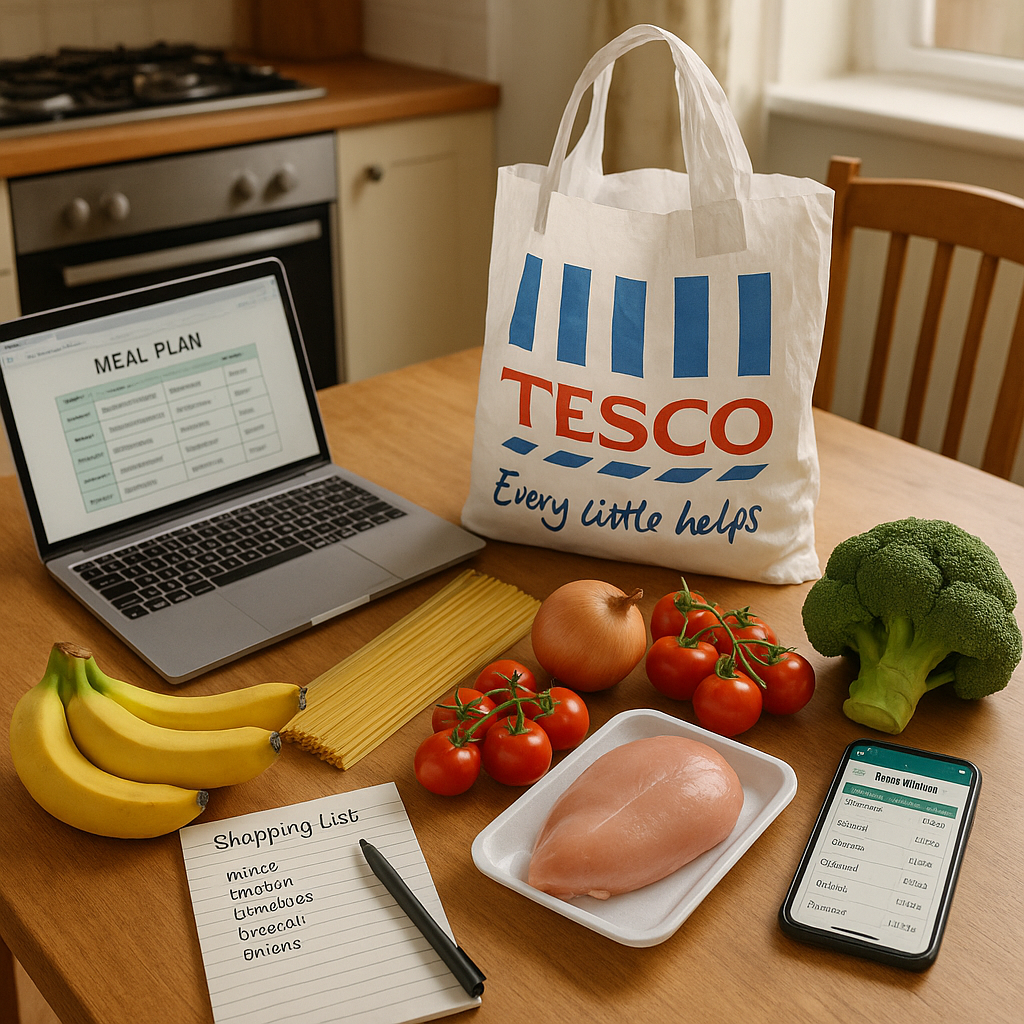
Tesco meal planner app in 2026: what it can do, what it cannot, and when MealMatcher still helps
Quick Answer
Tesco’s AI meal-planning push is useful if you mainly want quick recipe ideas and a basket built from those ideas inside the Tesco app. But it will not fully replace a dedicated meal planner if you want to compare supermarkets, plan the week as a whole, or manage ingredients across multiple meals. That is where MealMatcher still has the edge.
If you are searching for a Tesco meal planner app, the useful question is not whether Tesco has added AI features. It is whether those features help you get from
What Tesco’s AI assistant is likely to cover well
For Tesco shoppers, the biggest advantage is convenience. If the app can suggest meals and build a basket from them, it removes a few manual steps that normally slow people down: finding a recipe, checking what is needed, and adding items one by one. That makes sense for simple midweek shopping, especially when you already know you want to buy from Tesco.
It is also useful when your meal plan is fairly short and straightforward. A shopper looking for two or three dinners can use the supermarket app to move from idea to basket without having to manage a separate planning tool. In other words, Tesco’s strength is the last mile of shopping, not necessarily the whole planning process.
Where a supermarket app starts to feel limited
A Tesco app can help you shop for a plan, but it is still built inside a single retailer’s world. That matters if your decisions are not only about what to buy, but also where to buy it, how to use up ingredients, and how to keep the week organised. A supermarket app is good at generating a basket; it is less obvious at helping you compare that basket with another shop or reshape the week around leftovers.
This is where pack sizes and repeat ingredients matter. If one meal uses a half pack of something and another meal needs the rest, a dedicated planner is better placed to help you line those meals up before you shop. Without that step, you can end up with ingredients that do not fit neatly across the week.
A practical Tesco-focused weekly plan
If you shop at Tesco and want a simple routine, the best approach is to plan first, then shop. Start with the meals you actually need for the week, then check which ingredients repeat, which items are likely to leave leftovers, and which can be grouped into one basket. That keeps the plan clearer than jumping straight from recipe ideas to checkout.
For example, you might plan a few dinners that use similar core ingredients so you are not buying separate items for every meal. If one meal uses part of a pack, choose another meal that uses the remainder. If you know you will have leftovers from a larger pack, build the next meal around them. This kind of joining-up is exactly where a standalone planner can save time, because it helps you see the week as a whole instead of as isolated recipes.
How MealMatcher fits alongside Tesco’s app
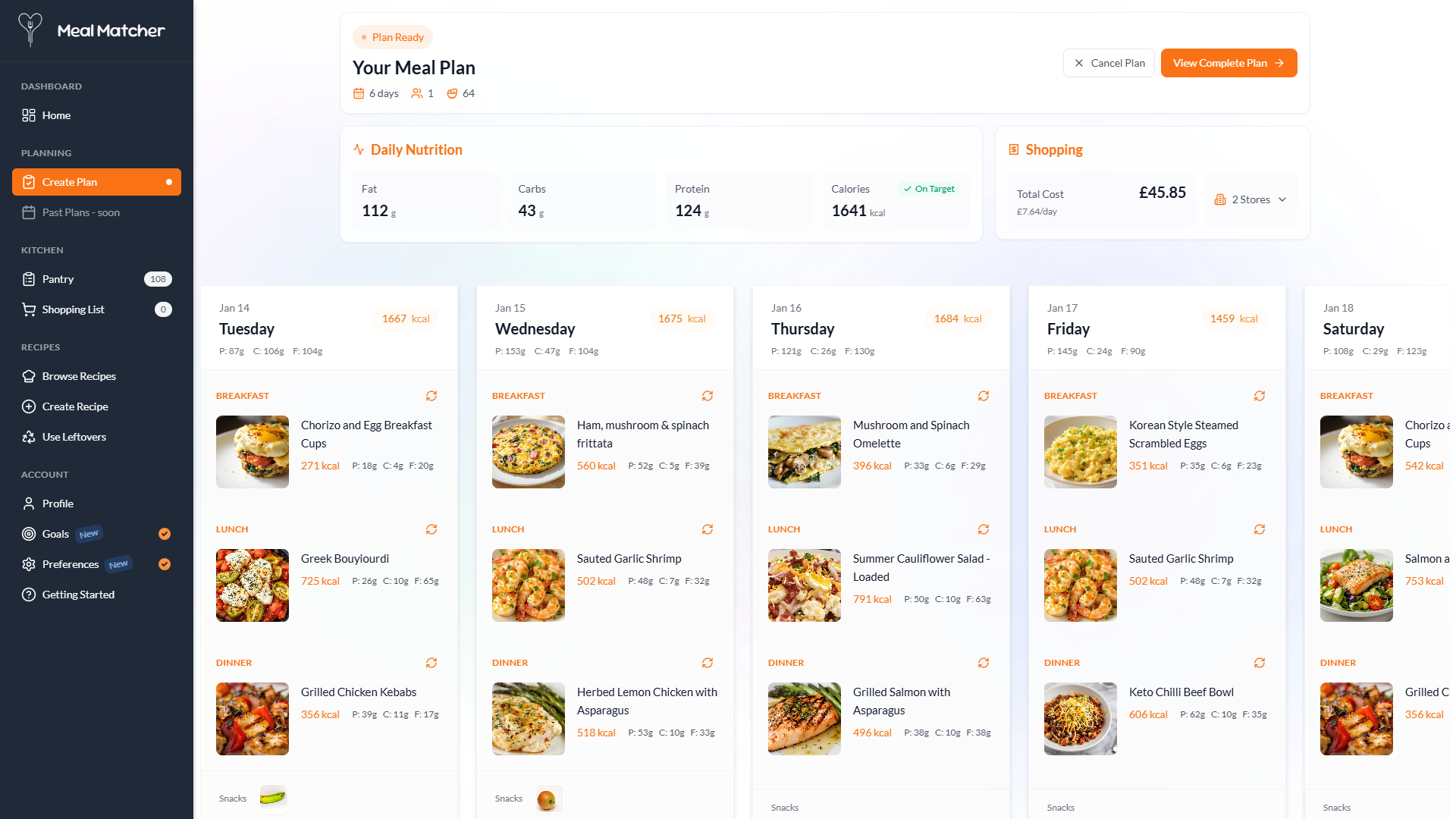
MealMatcher is the better fit when you want to build the structure of the week before you decide how to shop it. That can be useful whether you are fully committed to Tesco or still comparing it with Aldi and other supermarkets. Instead of starting with a basket, you start with the plan, which makes it easier to keep an eye on leftover use, shared ingredients, and the overall shape of the shop.
For Tesco shoppers specifically, MealMatcher can act as the planning layer that sits above the retailer app. Use it to shape the week, then move into Tesco for basket-building if that is still the most convenient way to buy. If you want a Tesco-focused workflow without relying on Tesco alone, try MealMatcher alongside the Tesco meal planning app page, the ingredient matcher, and the shopping list comparator to turn a rough idea into a more workable weekly shop.
Useful MealMatcher tools and guides
- meal planning app tesco
- see how MealMatcher plans a UK weekly shop
- find recipes using ingredients you already have
- compare the price of a full shopping list
- plan meals around an Aldi shop
Why this topic is in the news
This draft responds to current coverage from The Grocer. The practical meal-planning suggestions are MealMatcher's interpretation for UK home cooks.
Frequently asked questions
What can Tesco’s meal-planning AI help with?
It is designed to help with meal planning and basket building inside the Tesco app. That makes it useful for turning recipe ideas into a shop more quickly. It is best suited to Tesco customers who want a simple, in-app route from meals to basket.
What can’t Tesco’s app do as well as a dedicated meal planner?
A supermarket app is mainly built around shopping within one retailer, rather than planning an entire week in a flexible way. If you want to compare shops, match ingredients across several meals, or organise a broader plan, a standalone planner is more suitable. MealMatcher is designed for that wider planning job.
When should a Tesco shopper use MealMatcher instead?
Use MealMatcher if you want to build a weekly plan first and then decide how to shop it. It is especially helpful if you are comparing Tesco with other supermarkets or want to use Tesco-focused planning without being locked into Tesco’s own app flow. The meal plan can then be turned into a clearer shopping list.
How does this compare with generic recipe search?
Recipe search can give you ideas, but it does not necessarily organise them into a workable week or shopping list. Tesco’s app adds basket-building, while MealMatcher goes further by helping you structure the plan itself. That makes it more practical if your goal is a repeatable weekly routine.
Stop planning meals in your head
Turn what you just read into an actual week of meals.
Meal Matcher builds a personalised week around your calories, diet, allergies and dislikes, then turns it into one organised UK shopping list.